BHARAT CONNECT & RECHARGES
Every Bill, Every Recharge, One Counter
Electricity, water, gas, broadband, FASTag, LPG, loan EMIs and insurance premiums on the Bharat Connect (BBPS) network — plus prepaid mobile and DTH recharge for every operator. The errands your customers run all month, finished at your shop.
The Errand That Brings People Back Every Month
Bharat Connect — the network formerly known as BBPS — is NPCI's single, standardised rail for bill payments. Instead of a different app, queue or cash counter for each utility, one integration reaches thousands of billers across the country with a common receipt and a common complaint process.
Recharges sit alongside it. A customer topping up a ₹20 talktime pack is a customer who comes back four times a month — and who is standing at your counter when the electricity bill falls due.
- Bill amount is fetched from the biller — no risk of collecting the wrong sum
- Small-ticket, high-frequency transactions that build daily footfall
- A standard complaint reference the customer can track if a biller is slow to post
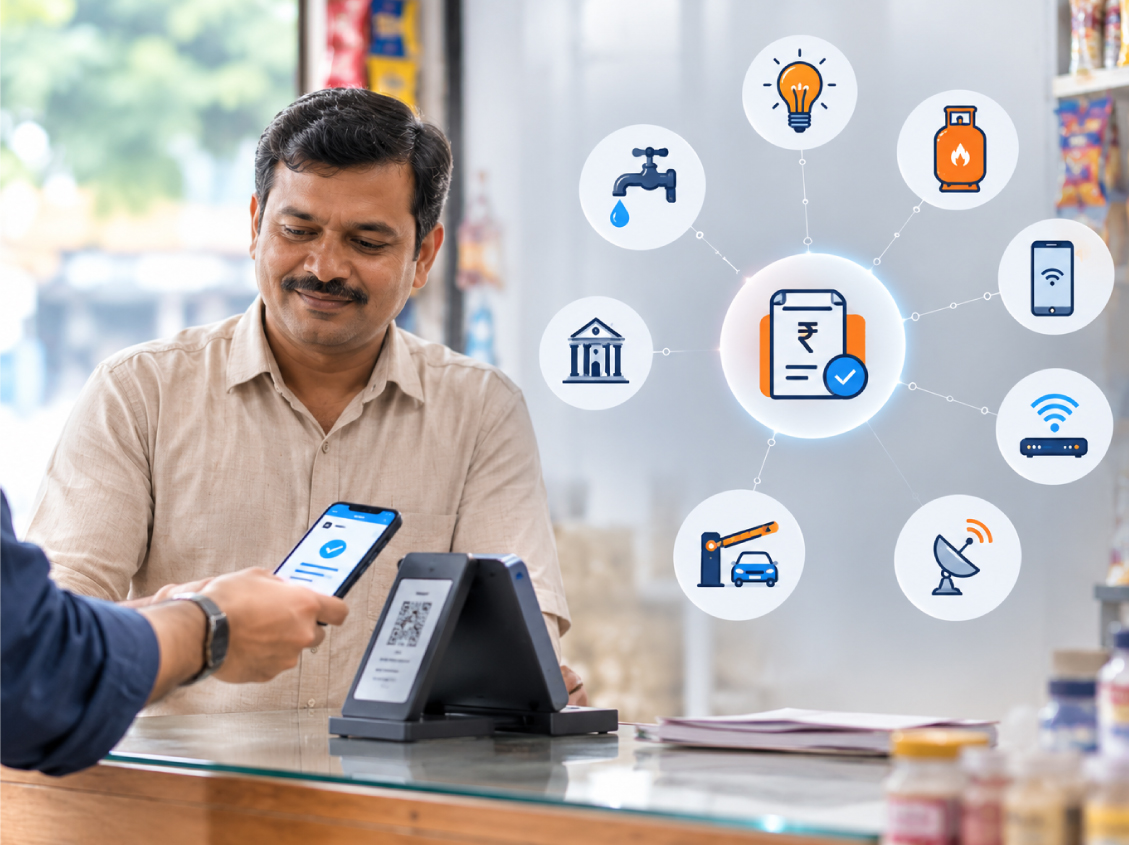
The Categories Your Customers Ask For
All of them live on the same screen, with the same receipt format and the same settlement.
Electricity & Water
State discoms and municipal water boards across the country. The outstanding amount is fetched live against the consumer number.
LPG & Piped Gas
Cylinder bookings and piped natural gas bills for every major distributor, with the subsidy status reflected on the receipt.
Prepaid Mobile & DTH
Every operator and every plan, with a browsable plan list so you can tell a customer what ₹199 buys before they pay.
Broadband & Landline
Fixed-line and fibre bills for national and regional internet providers, including postpaid mobile accounts.
FASTag Recharge
Top up a FASTag wallet against the vehicle number for every issuer bank — a fast-growing category on highway routes.
Loan EMI & Insurance
NBFC and microfinance instalments plus life and general insurance premiums, so a lapsed policy is never a trip to a city branch.
Fetch, Collect, Confirm
The amount always comes from the biller, so nothing is guessed at your counter.
Choose The Biller
Pick the category and biller from the Bharat Connect directory, or scan the customer's bill.
Fetch The Bill
Enter the consumer, vehicle or policy number. The live outstanding amount and due date come back instantly.
Take The Cash
Collect the exact amount shown and submit. Your wallet is debited and the payment is posted to the biller.
Share Confirmation
A receipt with the Bharat Connect reference goes to the customer by print or SMS, and your commission is credited.
Bills And Recharges, Screen By Screen
How the biller directory, the fetch step and the receipt look in daily use.
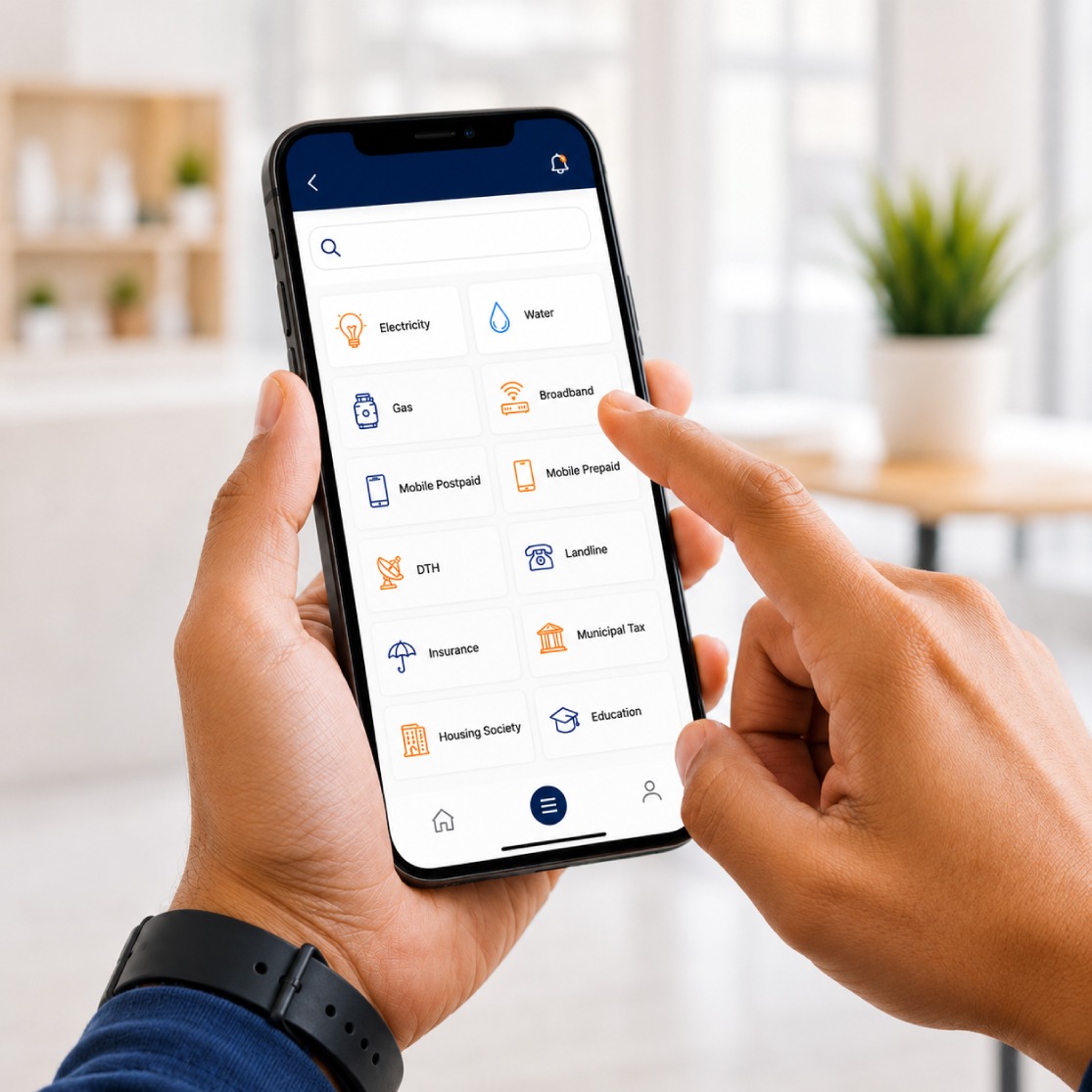
Search by name or category and the live bill is a tap away.
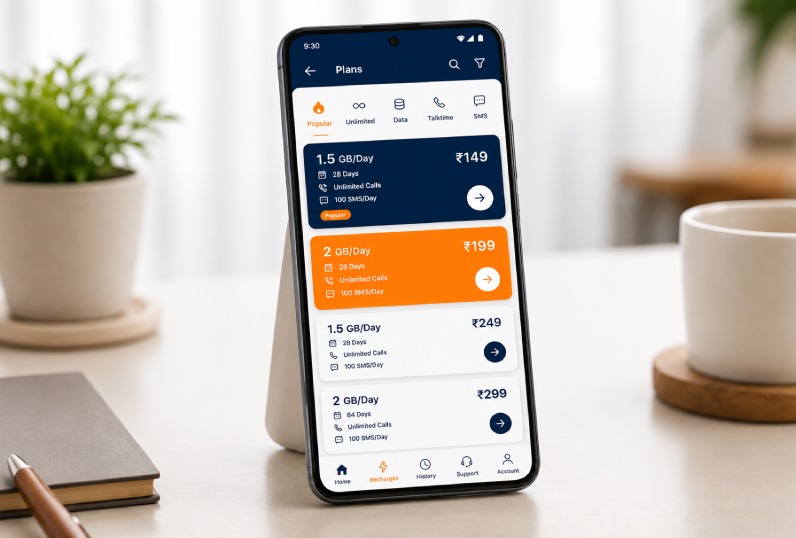
Browse operator packs so the customer picks the right one first time.
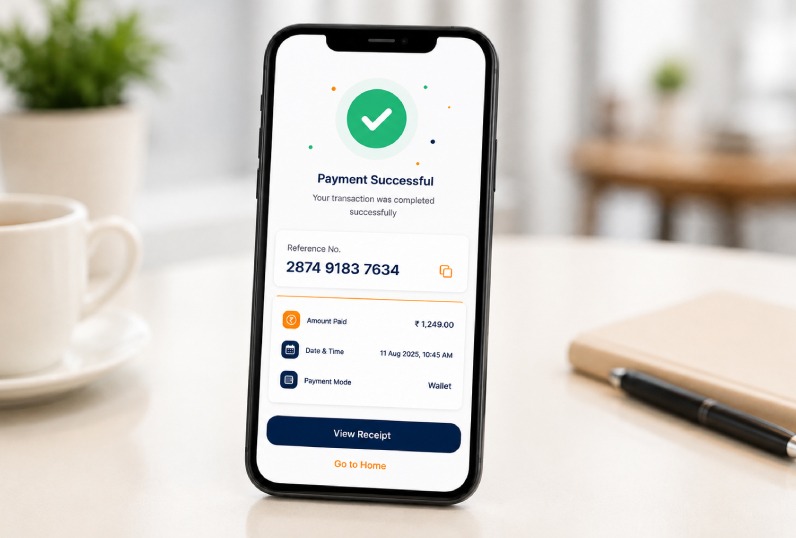
A standard reference number the customer can quote to the biller.
Almost Nothing To Set Up
A Flycash Account
Bill payment and recharge are enabled on sign-up — no device needed.
Wallet Balance
Payments are debited from your pre-funded balance in real time.
Phone Or Desktop
Works from any browser — the same screens on mobile and PC.
Receipt Printer
Optional — most customers accept the SMS confirmation.
Bill Payment Questions, Answered
They are the same network. NPCI rebranded the Bharat Bill Payment System as Bharat Connect — the billers, the rails and the reference format are unchanged.
Some billers post the credit in a batch rather than in real time. Raise a complaint against the transaction reference from your report; the standard Bharat Connect dispute flow tracks it to closure.
Yes. All national DTH operators are supported against the subscriber or viewing-card number, with the current pack visible before you take payment.
Failed recharges are reversed to your wallet automatically once the operator confirms the failure. The line in your report moves from pending to refunded with the timestamp.
Give Your Street One Less Queue
Turn on Bharat Connect and recharges, and become the counter that closes every monthly bill in the neighbourhood.
Enable Bill PaymentsNo device required · Live the day you sign up